
Tutorial: build your first mini-app
You’ll write Tally — a shared counter everyone in a chat sees — bundle it into one offline, hash-pinned HTML file with the repository’s builder, and preview it headlessly. Along the way you’ll learn the three things every Zoen mini-app has: a manifest, a UI that talks MCP Apps through the SDK, and tools in the core that own the shared state.
What you need: Node.js 22+ and npm. For the headless preview, Google Chrome at
/usr/bin/google-chrome.
1. Create the app folder
Section titled “1. Create the app folder”Mini-apps live in miniapps/<id>/:
mkdir -p miniapps/tally/srcminiapps/tally/manifest.json:
{ "id": "tally", "name": "Tally", "description": "A shared counter: everyone in the chat sees the same number.", "entry": "src/main.tsx", "capabilities": [], "allowedDomains": [], "linkDomains": [], "maxKB": 400}No capabilities, no network: this app can’t reach the internet even if it tried — the host injects a CSP that only opens domains you declare and the person allows.
2. Write the UI
Section titled “2. Write the UI”miniapps/tally/src/main.tsx:
import { createRoot } from 'react-dom/client';import '@zoen/ui/tokens.css';import { zoen, useZoenState, useMembers, Pill, AvatarStack } from '@zoen/ui';
type Tally = { count: number };
function App() {  const state = useZoenState<Tally>();   // live shared state: re-renders when anyone changes it  const members = useMembers();          // who's in the chat  const count = state?.count ?? 0;  return (    <main style={{ padding: 16, display: 'grid', gap: 12, justifyItems: 'center' }}>      <AvatarStack members={members} />      <h1 style={{ fontSize: 48, margin: 0 }}>{count}</h1>      <Pill tone="brand" label="Add one" onClick={() => zoen.state.call('tally_add', { by: 1 })}>        +1      </Pill>    </main>  );}
createRoot(document.getElementById('root')!).render(<App />);
zoen.state.call sends an MCP tools/call. The core checks the grant, applies the tool, signs a new version of the mini-app’s Item and returns the new state to every member.
3. Bundle it
Section titled “3. Bundle it”cd tools/miniapp-buildnpm cinode build.mjs ../../miniapps/tally --out /tmp/miniapps✓ tally: 190.9 KB (gzip ~60.9 KB) · sha256 3140dcb61a93… · 73 ms · deps scheduler@0.26.0, react@19.1.1, react-dom@19.1.1You get tally.html (everything inlined: no <script src>, no remote stylesheet) and tally.manifest.json with its SHA-256. The host verifies that hash before loading the file. Without --out, the builder writes into the core’s embedded bundle folder, crates/roda-ffi/apps/.
The builder refuses bundles that break the rules — unknown manifest keys, imports outside the allowlist or the app folder, remote URLs, or a size over maxKB (manifest reference).
4. Preview it headlessly
Section titled “4. Preview it headlessly”cd ../miniapp-gen && npm cinode -e "import('./render.mjs').then(m => m.render('/tmp/miniapps/tally.html', '/tmp/miniapps/tally.png')).then(r => console.log(r))"{ errors: [], text: '0\n+1' }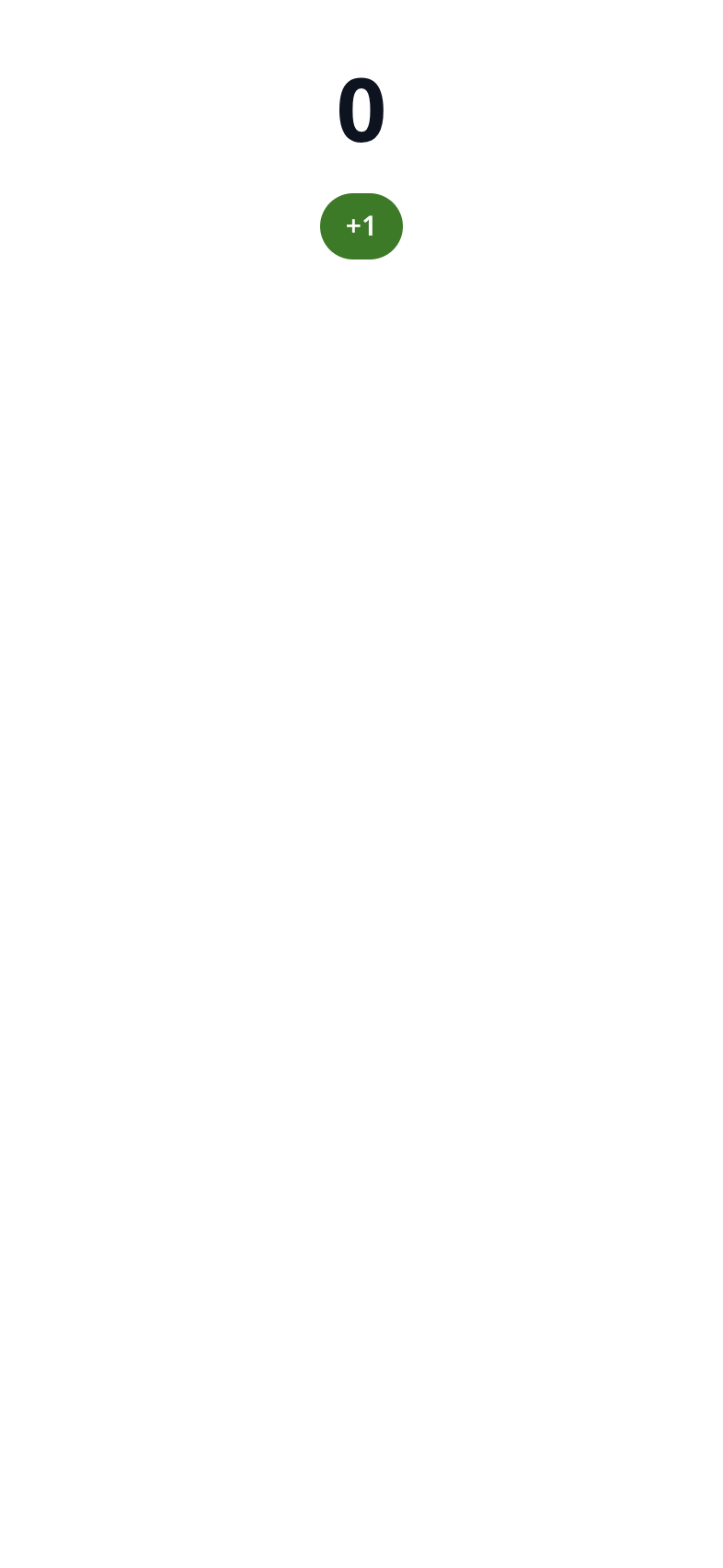
Outside a Zoen host there is no shared state, so the count shows 0 and the button can’t change it yet. That’s the next step.
5. Give it tools in the core
Section titled “5. Give it tools in the core”In Zoen today the MCP server for built-in mini-apps runs inside the Rust core (crates/roda-ffi/src/apps.rs). To make Tally live in a chat you add an AppSpec with:
id,name,descriptionand aui://…/tallyresource_uri;html: Some(include_str!("../apps/tally.html"))and itsmanifest;- a tool the agent can call to create it (
visibility: ["model"]), e.g.start_tally; - a tool the UI can call (
visibility: ["app"]), e.g.tally_add, with a JSON schema for{ "by": integer }, marked reversible; - the state rules in the create/apply functions, next to the existing apps.
Study countdown (the smallest spec) and schedule (crates/roda-ffi/src/apps/schedule.rs, the richest rules) in that file. Remote MCP servers and a catalog, which will let mini-apps ship without touching the core, are planned.
Clean up if you were just experimenting:
rm -rf miniapps/tally /tmp/miniapps.
What you learned
Section titled “What you learned”- A mini-app is an MCP Apps server: tools + an HTML UI resource, with Zoen as the host.
- Shared state is a signed, versioned Item; the UI never owns it.
- The bundle is offline and hash-pinned; network and native powers are declared, explained to the person and granted explicitly.
Read Mini-apps (MCP Apps) for the full host contract.